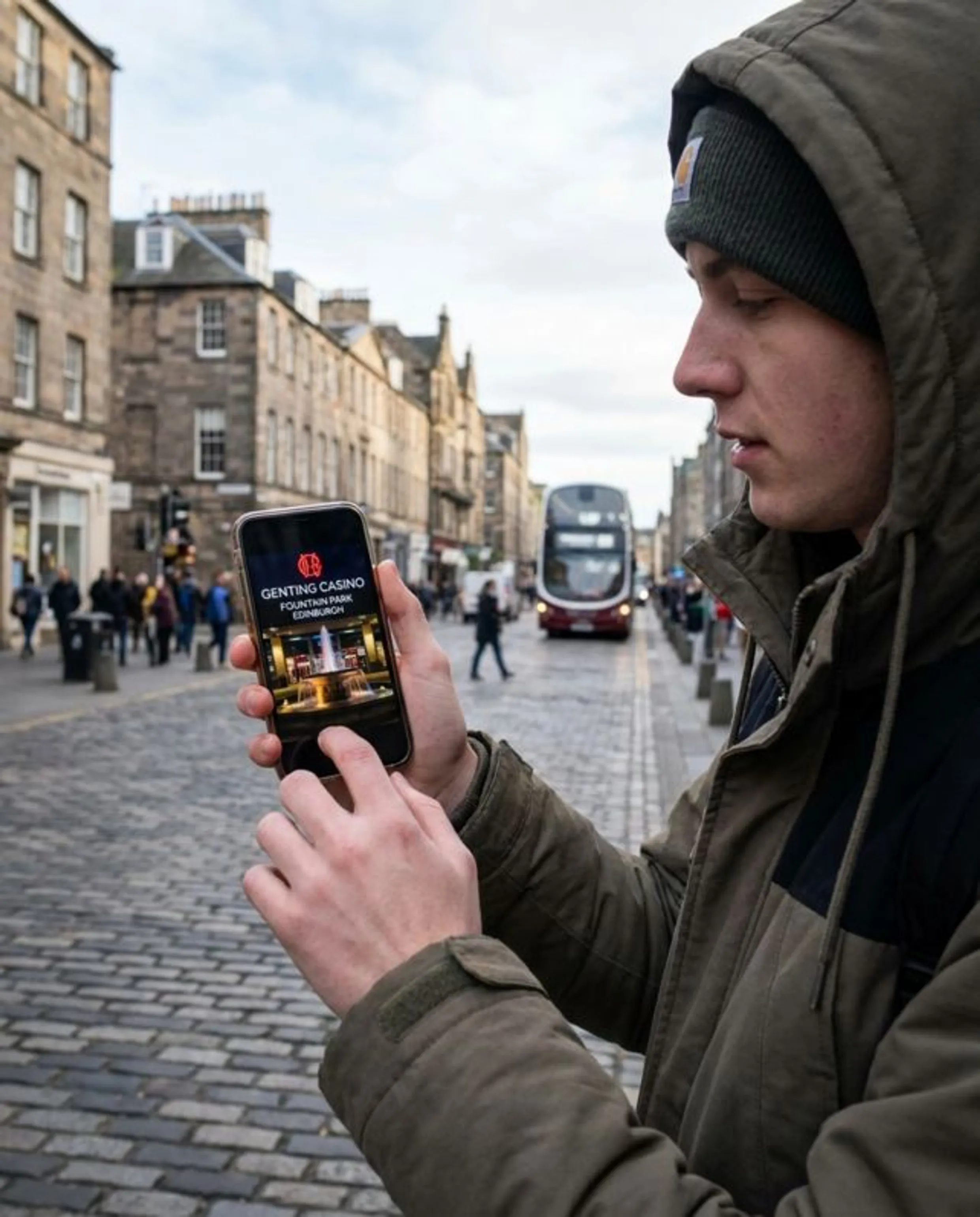

Getting the App - What You Actually Need to Know
There is no special mobile app built purely for the Fountain Park casino in Edinburgh. That catches a lot of people out, especially if you type something like “Fountain Park APK” into a search engine and end up staring at third-party download pages. Those files are nothing to do with Genting Casino Fountain Park Edinburgh, and they are not what you want.
The only official route is the main Genting Casino app in the Apple App Store and Google Play. That app connects straight into the gentingcasino.com platform, which runs under a UK Gambling Commission licence, exactly the same one that covers the online brand in general.
If you already set up a My Genting account when you visited the Edinburgh Fountain Park venue, that same login works on your phone or tablet. No need to re-register just because you moved from the physical casino to your sofa.
Anything offering a separate APK outside the official stores is not coming from Genting. It is simply not worth the risk for the sake of a 30 second shortcut.
How to Download on iOS
On iPhone or iPad, go into the App Store and type “Genting Casino” into the search bar. Take a second to check the publisher name before you tap anything - it should clearly show the Genting brand rather than an unknown developer. When you are happy it looks right, tap Get, confirm with Face ID or your Apple ID password, then let the download run.
After the app finishes installing and opens:
- Tap Log In if you already have a My Genting or online account. If you have never used Genting online before, tap Register to create one.
- Spend a moment in the lobby: slots, live tables and jackpot titles sit in their own sections so you can see what is where.
- Open My Account, then the Deposit area, and choose a supported UK payment method to add funds.
- Once your balance updates, pick a game and you can start playing.
If you already know your login details, the whole thing is usually up and running in under five minutes. Most of that time is just the download and Face ID prompt.
How to Download on Android
On Android the steps are similar, just using Google Play instead of the App Store.
- Open Google Play and search for “Genting Casino”.
- Tap the official Genting Casino listing and hit Install.
- Agree to any standard permissions the app requests so it can finish setting itself up.
- Sign in with your existing credentials, or choose to register. Brand new players should verify their email before they try to deposit.
- Go to the cashier section of the app and add funds using one of the listed options.
- Back out to the main lobby and choose a slot, table game, or live dealer table.
| Platform | Store | Search Term |
|---|---|---|
| iOS | Apple App Store | Genting Casino |
| Android | Google Play Store | Genting Casino |
One small thing that regularly trips people up: during a fresh registration, the email confirmation message does not always land in your main inbox. If it has not arrived after a couple of minutes, check your spam or promotions folder before you try sending it again.
What the App Actually Gives You Access To
The big headline on the online side is access to more than 6,000 slots, all grouped inside the same Genting Casino Fountain Park Edinburgh app download apk/ios experience. On top of that, the live casino section uses real dealers, covering several table layouts and formats so you can stick to what you are used to or try something slightly different.
The main lobby uses filters and categories quite sensibly. You can sort titles by game type, by provider, or simply browse through what is trending right now. Live dealer tables also show live seat availability in real time, which is surprisingly handy if you jump in during a busy Saturday evening and do not feel like hopping in and out of lobbies to find a space.
Everything around your profile sits under My Account. Balance, deposits and withdrawals, your transaction history, personal details, and the different controls for deposit limits or session reminders are kept in the same cluster. Those tools are not just nice extras for the sake of it. UKGC rules expect licensed brands to provide them and keep them visible, and Genting has actually wired them into the main account menu instead of hiding them somewhere awkward.
All payments run in GBP, with no odd currency switches. Inside the cashier, you can see processing times for each method and what is available to you, so you are not guessing how long something takes to land or which options work.
The Interface Day to Day
Most of the day-to-day navigation runs off the bottom bar in the app: lobby on one tab, promotions on another, then account and support tucked neatly alongside. It feels fairly straight forward, even if you are not especially into apps or used to casino layouts.
If you already have a My Genting loyalty profile from spending time at the Fountain Park venue, that profile can be linked to your online account. In plenty of cases it already is, but it is worth jumping into your account settings screen once and checking that the connection is active, just so you are not guessing.
In practice, moving around the app tends to feel smoother than clicking around the full desktop site. That pattern is quite common with casino products now - the mobile version is where UX teams spend a lot of their energy and it shows when you are switching sections quickly.